edit PDF the specialist for PDF processing and modification
PdfEditor - Edit, create and combine PDF files
PDF Dateien teilenPdfEditor im Online-Shop kaufenPDF Dateien zu einem Dokument kombinierenPdfEditor Download Trial VersionPDF mergen
Versions
Index
Features
System requirements
Screenshots
References
Support
Download
Order PdfEditor
 
Newsletter subscription:


Download trial versionWe also offer a trial version so that you can try PdfEditor out before buying it. The trial version contains all the features of PdfEditor, however, it inserts a watermark in all edited PDF documents (a backup of the original file is, of course, created).

General
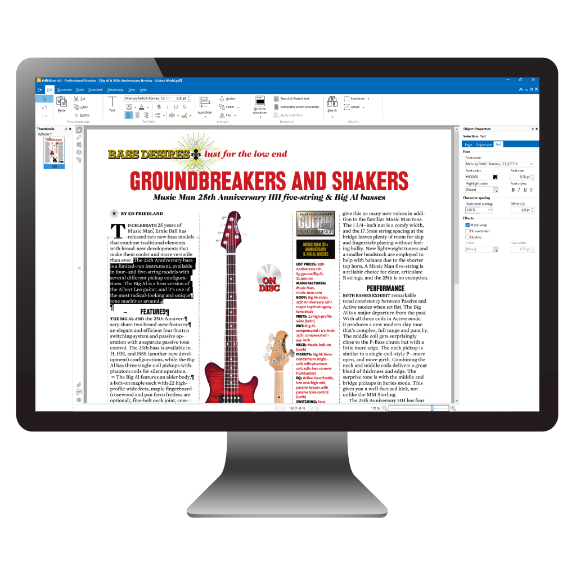
  • Edit directly in PdfEditor. The result is displayed immediately in the page preview (WYSIWYG - What You See Is What You Get).

  • Edit text directly in the document, change font type, size, color, format, scale and effects Edit, move, delete, rotate, copy and paste, group, anchor, align and mirror text, images and paths, change the page order.

  • Move and edit text, images, and paths, delete, rotate, copy and paste, group, host, anchor, mirror, change order

  • Drag&Drop support

  • You can undo actions as often as you like

  • Edit objects by means of tabs or individual tool windows

  • Ruler feature, align objects with the grid
Top | Order PdfEditor | Trial Version

Create a PDF
  • Create PDF documents from text files, Office documents (Word/Excel/PowerPoint) as well as from more than 301 other file types

  • Create PDF documents from images. Supports file types: BMP, WMF, JPEG, PNG, GIF, TIFF, JPEG2000, ICO, PCX, PSD, TGA, PBM, EPS. Depending on image format, with transparency and resolution

  • Create a PDF directly from a website

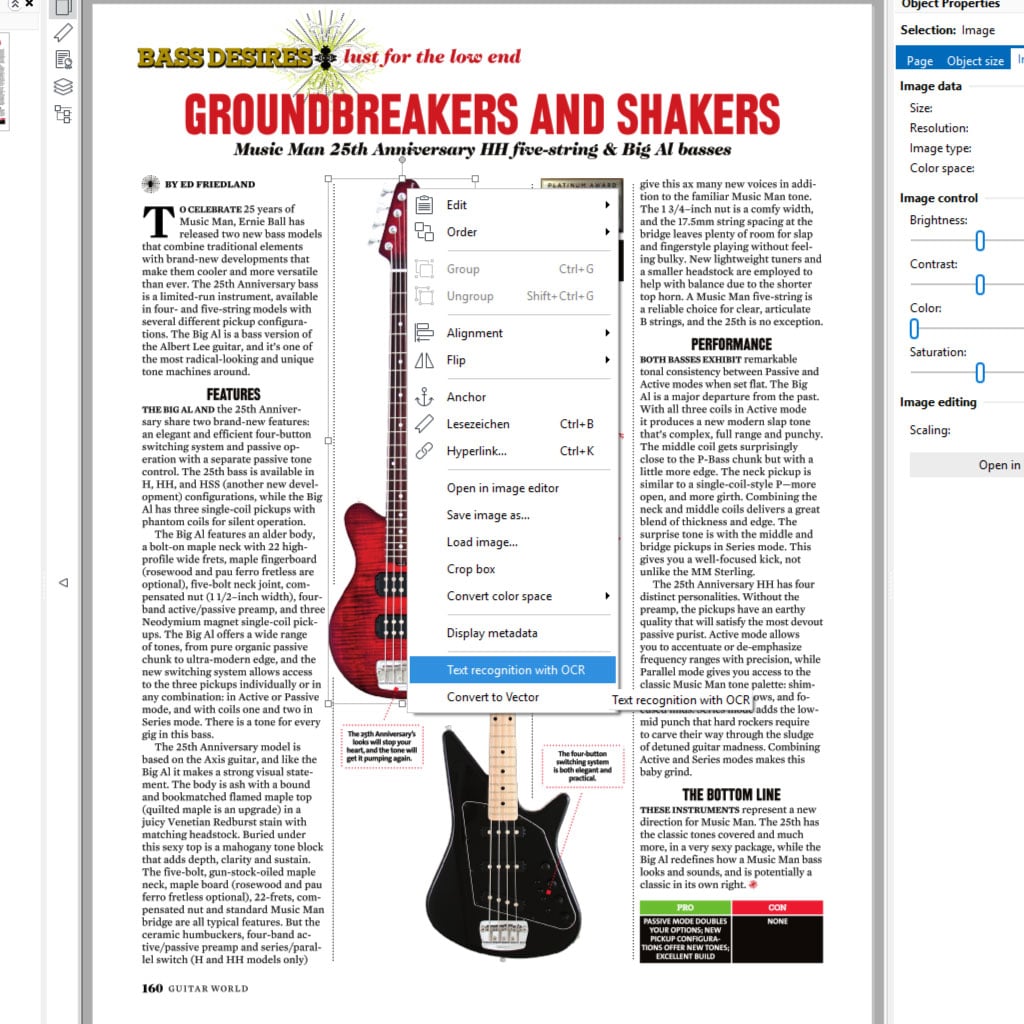
  • Create a PDF with integrated optical character recognition (OCR) directly from a scanner

  • Create a PDF from a clipboard (e.g., screenshot)

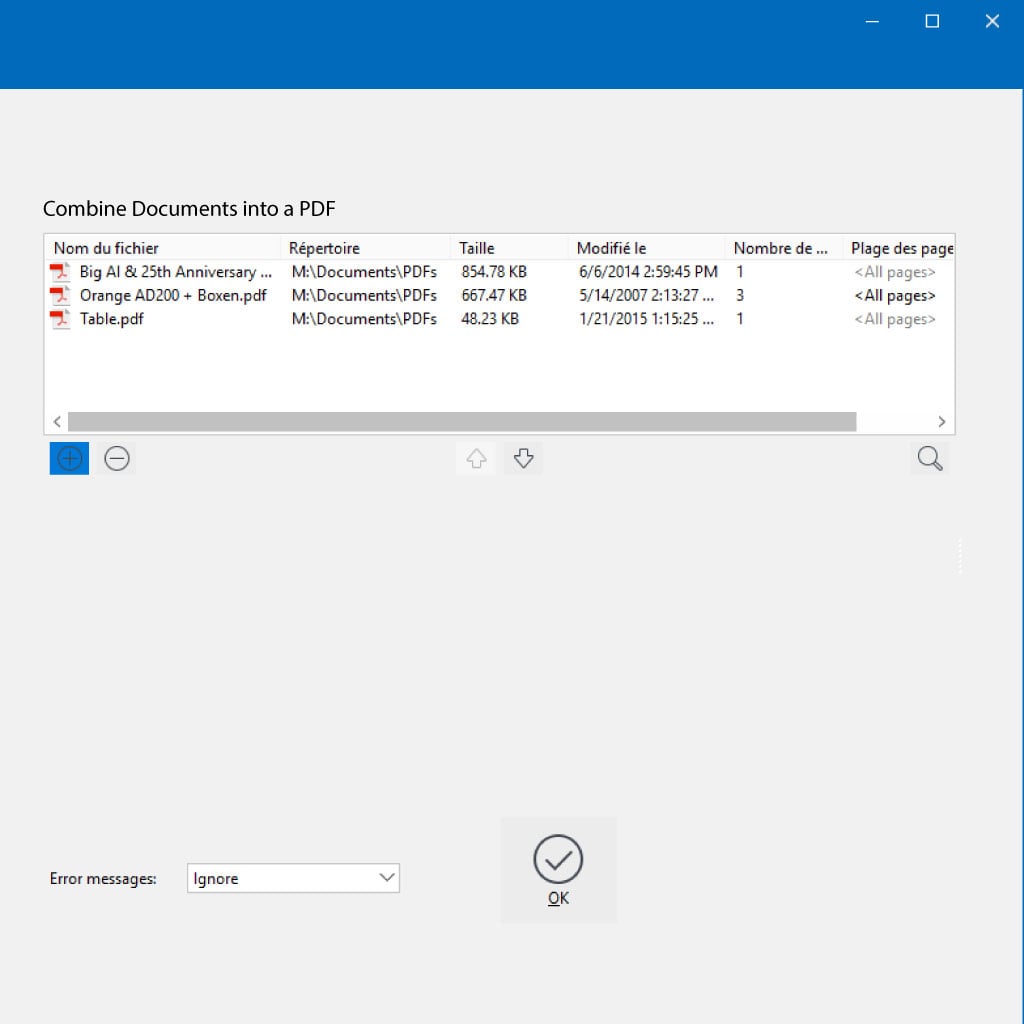
  • Combine several supported files into a PDF document

  • Create PDF documents directly and combine them into a PDF from the Windows Explorer context menu
Top | Order PdfEditor | Trial Version

Edit a PDF
  • Edit text directly in the document

  • Align text with tabs

  • Break up text lines at the cursor

  • Search and replace text

  • Create bookmarks from text

  • Load, save, scale and crop images, convert and mirror color spaces, and remove transparency

  • Edit images using an external image editing program

  • Edit paths; insert, move, delete points; close path; set fill color and line color

  • Make a scanned PDF text searchable with integrated optical character recognition (OCR)

  • Insert, delete, rotate pages, set and remove crop box

  • Rearrange pages in the preview window with Drag&Drop

  • Extract pages and insert them in a new document

  • Edit metadata such as author and keywords

  • Edit bookmarks

  • Show/hide layers
Top | Order PdfEditor | Trial Version

PDF security
  • Open protected documents (password and certificate protection)

  • Driver provided for smart card/token, encrypted documents
Top | Order PdfEditor | Trial Version

Save a PDF
  • Setting the document view upon opening

  • Embedding or removing page thumbnails

  • 'Save cleaned up' to remove unused PDF objects

  • Optimize PDF for fast web view (linearization)

  • Save with password protection, reservation of rights such as printing, extraction and modification of contents

  • Save PDF and attach to an e-mail

  • Automatic backup
Top | Order PdfEditor | Trial Version

Other
  • Windows Explorer integration

  • Automatic update function
Top | Order PdfEditor | Trial Version


Prices Prof.

Version for Win32

Version for Win64

Introductory price 41.18 EUR*
(Introductory price)
Order PdfEditor

* Prices plus VAT (19%) for certain regions

[System requirements...]

Top | Order PdfEditor | Trial Version


© Copyright 1996 - 2012 PixelPlanet Contact | Press | Disclaimer | Imprint